The Ultimate Hardware Guide for IPTV in 2026: AI-Powered Streaming & Android Boxes
Introduction
Cutting the cord is old news, but getting a flawless, buffer-free IPTV experience is still a technical challenge for many. The game-changer? Artificial Intelligence. Modern Android TV boxes aren’t just dumb receivers anymore; they use AI for real-time video upscaling, smart network packet management, and hardware decoding. If you want to run heavy IPTV playlists flawlessly, you need the right hardware. Here is a no-nonsense engineering look at the best Android setups for AI-enhanced streaming.
Why AI Matters for IPTV Streaming
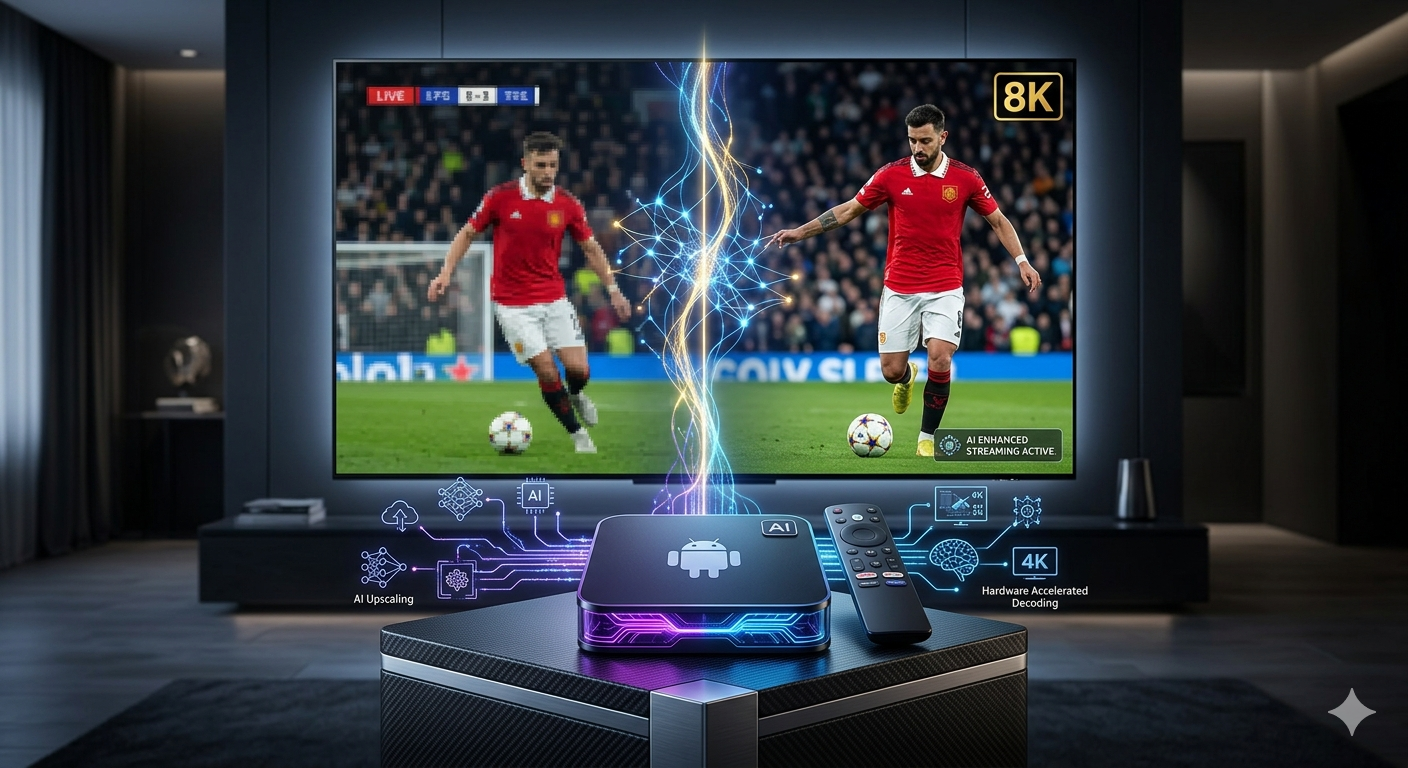
Most IPTV providers broadcast live channels in 720p or heavily compressed 1080p. When stretched across a 65-inch 4K TV, the artifacts and pixelation become unbearable. AI-enhanced processors solve this by analyzing frames in real-time, sharpening edges, and filling in missing pixel data (AI Upscaling). Furthermore, machine learning algorithms in modern Wi-Fi 6 routers and Android devices help predict network drops, adjusting the buffer dynamically to eliminate stuttering.
Top Android Hardware for IPTV (2026 Edition)
1. The Absolute King: NVIDIA Shield TV Pro
When it comes to AI processing, Nvidia is unmatched. The Shield TV Pro features a built-in AI Upscaling toggle that uses a neural network trained to recognize video patterns. It takes a standard 720p live sports broadcast and makes it look like native 4K. It handles the heaviest EPG (Electronic Program Guide) databases without breaking a sweat.
- Best for: Premium home theaters, heavy EPG users.
- Key Tech: Tegra X1+ processor, AI-enhanced upscaling, Gigabit Ethernet.
- 👉 [ Check the latest price on Amazon]
2. The Network Powerhouse: Amazon Fire TV Stick 4K Max
If you cannot run an Ethernet cable to your TV, your next best bet is Wi-Fi 6E. The latest Fire TV Stick 4K Max provides massive bandwidth, which is crucial for reducing packet loss in live IPTV streams. While it lacks Nvidia’s dedicated AI upscaler, its raw decoding power and network stability make it a top-tier choice.
- Best for: Wireless setups, budget-conscious techies.
- Key Tech: Wi-Fi 6E support, Quad-core 2.0 GHz, AV1 decoding.
- 👉 [ Check the latest price on Amazon]
3. The Clean OS Choice: Chromecast with Google TV (4K)
For those who prefer a clean Android interface without the Amazon bloatware, the Google TV ecosystem is solid. It allows for easy sideloading of custom IPTV players and handles hardware acceleration efficiently.
- Best for: Clean UI lovers, seamless Google ecosystem integration.
- Key Tech: HDR10+, deeply integrated Google Assistant for voice channel searching.
- 👉 [ Check the latest price on Amazon]
The Software Layer: Tying it Together
Hardware is only half the battle. To leverage your hardware’s decoding capabilities, you need the right software. We highly recommend OTT Navigator. It is an advanced player that allows deep technical tweaking:
- Hardware Decoding: Set it to force hardware/AI decoding to take the load off the CPU.
- Buffer Size: Manually adjust the internal buffer to counteract ISP throttling.
- AFR (Auto Frame Rate): Syncs your TV’s refresh rate with the broadcast frame rate for perfectly smooth panning shots.
best android tv box for iptv 2026. Conclusion
Stop dealing with pixelated sports and freezing news channels. Upgrading to a device with AI upscaling and modern decoding protocols, like the NVIDIA Shield TV Pro or the Fire Stick 4K Max, completely changes the IPTV experience. Pair it with an advanced player, and you have a setup that outshines traditional cable boxes.
Affiliate Disclosure:
SoftHunterPro.com is a participant in the Amazon Services LLC Associates Program. As an Amazon Associate, we earn from qualifying purchases. If you click on an affiliate link in this article and make a purchase, we may receive a small commission at no additional cost to you. This helps support our technical reviews.
Content & Copyright Disclaimer:
This article is strictly for educational and hardware review purposes. SoftHunterPro.com does not host, provide, archive, distribute, or sell any IPTV playlists, streams, or copyrighted media. We do not verify the licensing or legality of any third-party IPTV providers or software mentioned. It is the sole responsibility of the user to ensure that any media accessed or streamed complies with their local copyright laws and terms of service. We strictly condemn piracy and do not endorse the use of hardware for illegal streaming activities.
“Now that you have the ultimate hardware setup for flawless streaming, you might be wondering about the business side of the industry. If you want to turn your technical knowledge into a side hustle, check out our comprehensive guide on [how to make money with IPTV in 2026].”