How to Build Furniture From a Picture: The Ultimate AI Reverse Engineering Guide
Disclaimer: This article contains affiliate links to tools we use in our own shop. If you purchase through them, we may earn a small commission at no extra cost to you.
Build Furniture From a Picture. We’ve all fallen into the Pinterest trap. You find the perfect mid-century modern credenza or a sleek garage storage cabinet, but there’s a catch: there are no blueprints. Buying custom plans can be expensive, and trying to guess the dimensions by eyeballing a photo usually results in wasted wood and frustration.
But what if you could automate the entire process? In 2026, you don’t need to be a master draftsman to reverse engineer furniture plans from a photo. By combining the visual processing power of modern AI with hardcore mathematical cut algorithms, you can turn any picture into a precise, ready-to-build project.
Here is the exact AI woodworking pipeline we use to calculate the wood needed for a project from a simple photo.
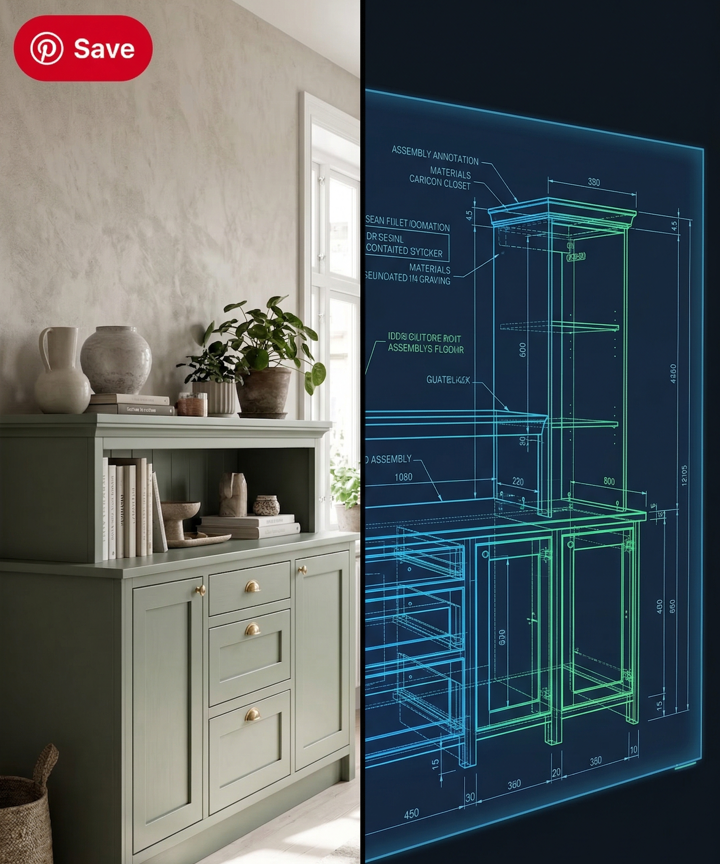
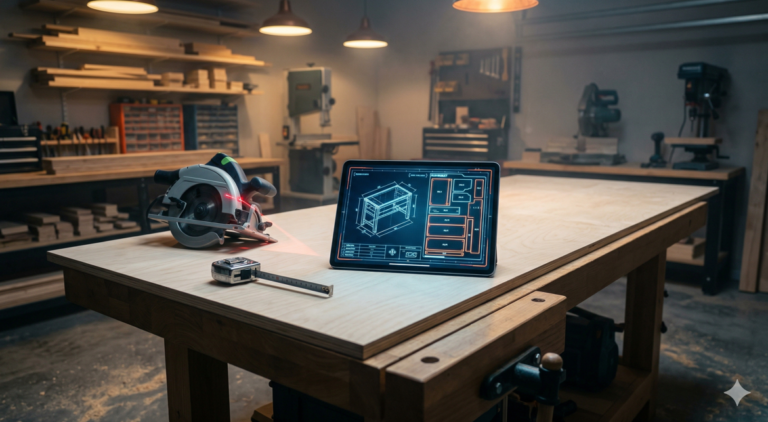
Build Furniture From a Picture. From Pinterest to Plywood: How AI is transforming simple photos into precise master blueprints in minutes.
Step 1: Extracting Dimensions with AI Vision
You don’t need a specialized app that tells you how to build furniture from a picture. You just need a Large Language Model with vision capabilities, such as ChatGPT-4o or Claude 3.5 Sonnet.
These tools can analyze the proportions of an object in a photograph and generate a highly accurate estimation of the parts.
The Reverse-Engineering Prompt:
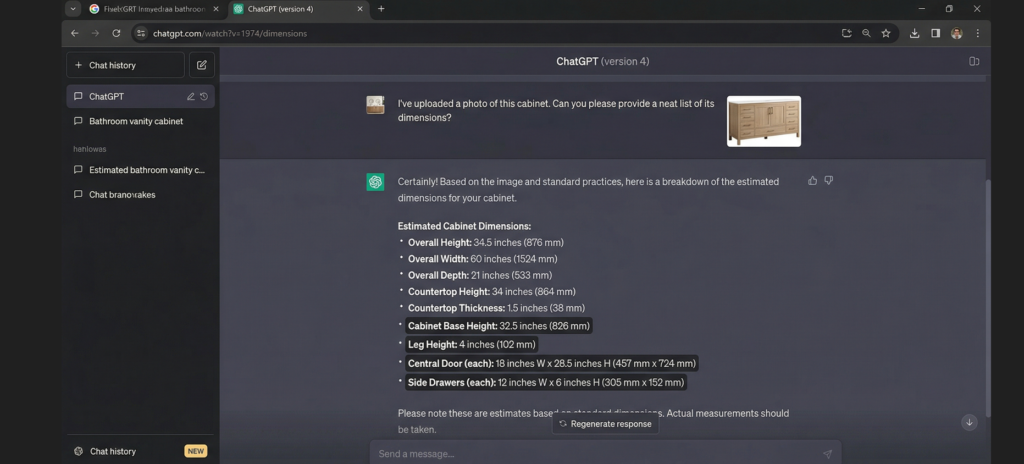
Save the photo of the furniture you want to build, upload it to ChatGPT, and use this exact prompt:
“I want to build this cabinet out of 3/4-inch (18mm) plywood. Assuming the total height of this piece is 36 inches, please reverse engineer the design. Give me a detailed cut list of all the visible panels (Top, Bottom, Sides, Shelves, Doors). Format the output as: Part Name, Width (inches), Height (inches), Quantity.”
The AI will use the baseline measurement you provided (36 inches) to calculate the proportional dimensions of every other piece in the photograph.
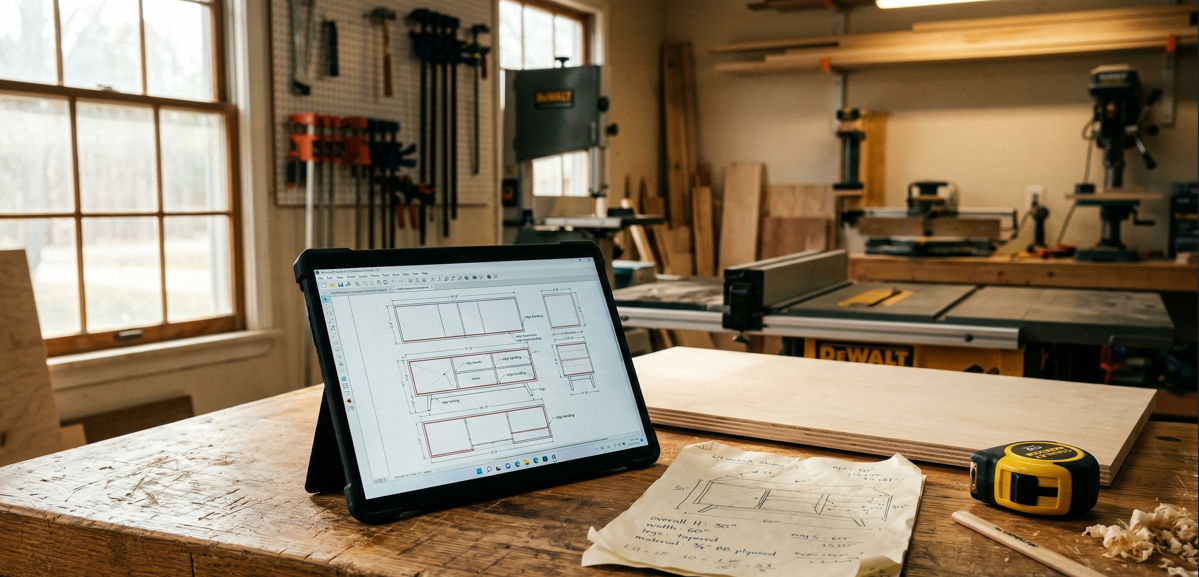
The 2026 workshop upgrade: Trading hours of confusing manual math for instant, mathematically optimized digital cut maps.
Step 2: From Text to Timber (Automating the Cut List)
ChatGPT is fantastic at estimating dimensions, but it is notoriously bad at spatial geometry. If you ask a chatbot how to layout those cuts on a 4×8 sheet of plywood, you will end up with a messy, overlapping layout.
This is the missing link in the AI design process. To solve this, we use dedicated heuristic algorithms.
Once you have your dimensions from ChatGPT, you need to optimize them to save money on materials. Simply copy the list generated by the AI and paste it into our Free AI Cut Optimizer.
Our tool uses a “Shelf Bin Packing” algorithm to instantly calculate the most efficient layout. It will tell you exactly how many sheets of plywood you need, rotate the parts for maximum yield, and even show you where to apply your edge banding.
AI vs. Traditional Planning: The Breakdown
Why are engineers and modern woodworkers switching to this automated pipeline? Let’s look at the numbers.
| Metric | Traditional Method (Paper & Pencil) | AI Pipeline (ChatGPT + Cut Optimizer) |
| Time to draft plans | 2 – 4 hours | Under 5 minutes |
| Cost of blueprints | $15 – $50+ | Free |
| Material Estimation | Prone to human error | Mathematically optimized |
| Customization | Hard to scale measurements | Instantly recalculates proportions |
Case Study: Furniture Restoration & Upcycling
This AI pipeline isn’t just for building from scratch. If you’re into furniture restoration—perhaps breathing new life into a beat-up dresser—you can use this exact method.
Take a photo of the damaged piece. Ask the AI to calculate the dimensions for replacement drawer fronts or a new solid top. Then, run those dimensions through the optimizer. (If you’re interested in giving old furniture a second life, check out our previous guide on smart techniques for modern furniture restoration).
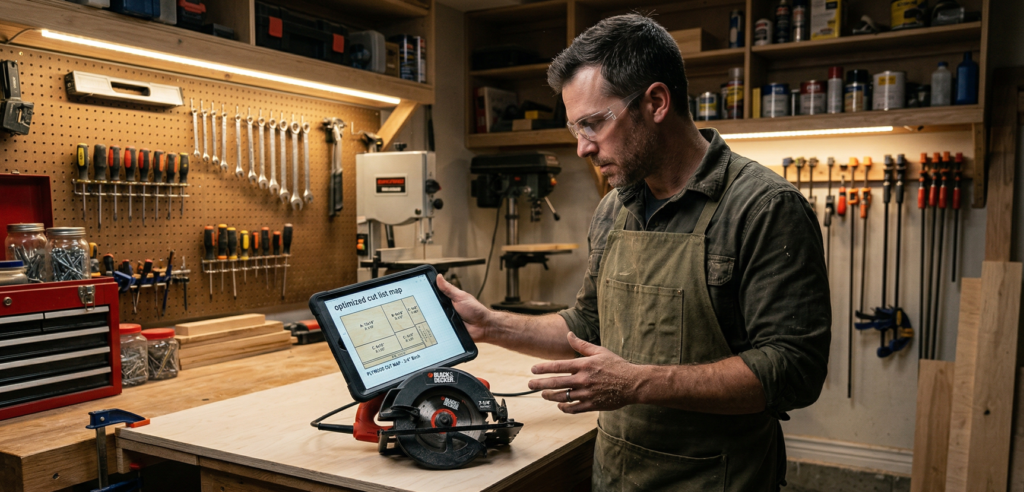
Digital precision meets physical craft. Our free optimizer ensures your cuts are flawless, saving you time and money on sheet goods.
Essential Tools for the Garage Builder
Once the AI has done the math, it’s time to make sawdust. Precision plans require precision cuts. If you are breaking down sheet goods in your garage based on an automated cut list, here is the gear that makes the job flawless:
1. Track Saw System A good track saw is safer, faster, and more accurate than trying to wrestle heavy 4×8 plywood sheets through a table saw. The Makita SP6000J 6-1/2″ Plunge Circular Saw is the industry standard for home shops—delivering Festool-level precision at a fraction of the price.
2. Edge Banding Iron & Trimmer Since our AI cut calculator highlights exactly which edges need banding, you want a seamless factory finish. Don’t use a regular household iron. A dedicated Veneer Edge Banding Iron combined with the FastCap Double Edge Trimmer will save you hours of sanding and prevent veneer tear-out.
3. Precision Digital Calipers Here is a pro tip: “3/4-inch plywood” is almost never exactly 0.75 inches (it’s usually 23/32″). If you want your AI-generated dimensions to fit perfectly without gaps, you must measure the exact thickness of your sheet goods before running the final algorithm. The NEIKO 01407A Electronic Digital Caliper is cheap, incredibly accurate, and a must-have for the modern smart shop.
Build Furniture From a Picture. Final Thoughts
Stop wondering if you have the skills to build that piece of furniture you saw online. By using generative AI to extract the dimensions and our free Cut Optimizer to map out the plywood, the hardest part of the project is already done.
Grab a photo, run it through the pipeline, and head to the garage.
“If you are using this AI method to fix up an old thrift store find, be sure to check out our complete guide on [smart techniques for modern furniture restoration].”
“Bringing smart tech into your workspace shouldn’t stop at woodworking; see how we are using artificial intelligence for auto repair in our breakdown of the [AI-Garage engine diagnostic tool].”