Stop Wasting Plywood: The Best Free Cutlist Optimizer Alternative Built with AI
If you’ve recently checked the price of a 4×8 sheet of Baltic Birch plywood, you know that making a wrong cut isn’t just frustrating—it’s an expensive mistake. Every DIY woodworker and garage engineer eventually faces the same headache: figuring out how to calculate plywood cuts without wasting wood.
For years, the standard approach was sketching layouts on a piece of scrap paper or paying monthly subscriptions for clunky, outdated software. But what if you could combine the creative power of modern AI with hardcore mathematical algorithms to get the perfect cut list for free?
Let’s dive into how modern AI tools and a smart algorithm can save you 30% on materials, and how you can use our free tool to do it instantly.
The AI Woodworking Pipeline: From Prompt to Plywood
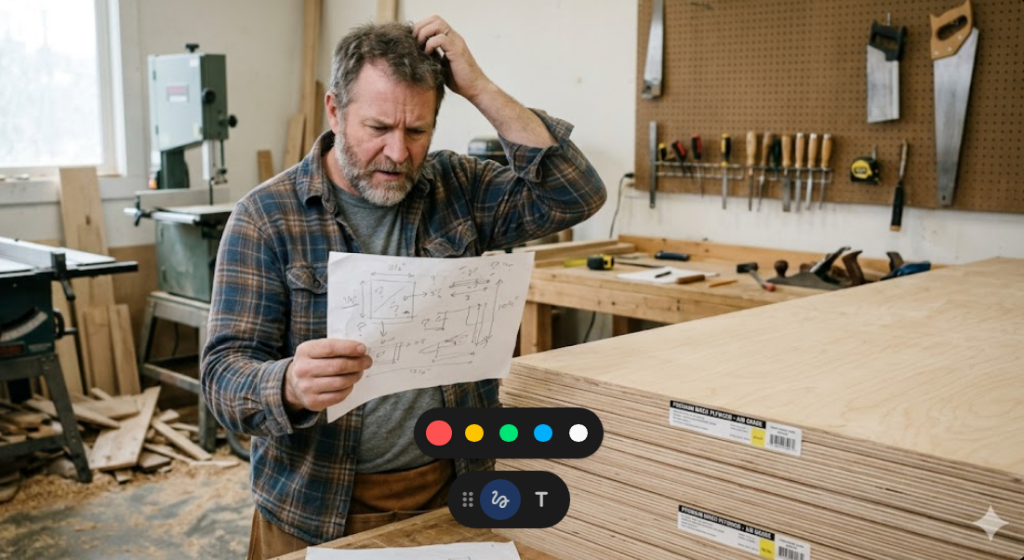
Generative AI has changed how we design projects, but it has a massive blind spot.
You can ask ChatGPT or Claude to generate a detailed cut list for a custom garage cabinet. You can even use Midjourney to visualize the final piece before you build it. However, if you ask an AI chatbot to actually layout those dimensions on a 4×8 sheet, it fails miserably.
Large Language Models (LLMs) do not understand spatial geometry. To solve the classic Bin Packing Problem (the mathematical term for fitting rectangles into a larger rectangle), you don’t need a chatbot. You need a dedicated, heuristic algorithm.
That is exactly why my AI assistant, Irina, and I built a custom, browser-based solution.
Manual Layout vs. Standard Software vs. AI-Assisted Optimization
Before we get to the tool, let’s look at why you need a dedicated cutlist optimizer alternative in 2026.
| Feature | Pen & Paper Layout | Paid Cutlist Software | AI Cut Optimizer (Our Free Tool) |
| Cost | Free | $10 – $30/month | 100% Free |
| Speed | 30+ minutes | 5 minutes | Instant |
| Material Waste | High (Human error) | Low | Minimal (Shelf Bin Packing Algorithm) |
| Edge Banding Tracking | Forget about it | Sometimes | Yes (Highlighted in Red) |
| Privacy | High | Requires Account/Email | High (Runs locally in your browser) |
Try It Now: The Free AI Cut Optimizer
We got tired of hitting paywalls when looking for a cutlist optimizer free alternative. So, we built our own.
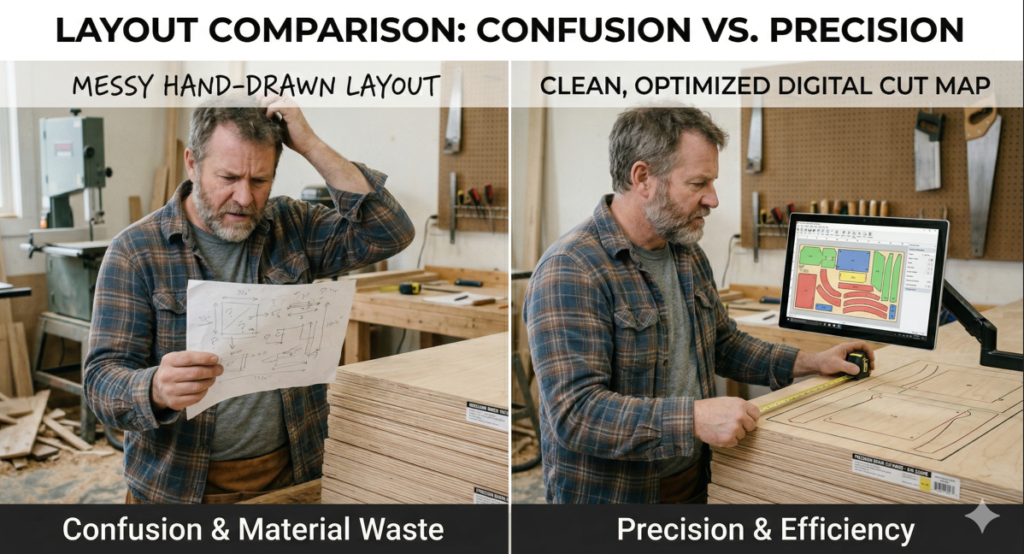
This tool uses a smart “Shelf Bin Packing” algorithm to rotate and arrange your parts for maximum efficiency. It even highlights exactly where you need to apply your melamine edge banding.
Instructions:
- Enter your sheet dimensions and saw blade kerf.
- Paste your parts list (Name, Width, Height, Quantity, Edge Width, Edge Height).
- Hit calculate and print your map.
Taking It to the Garage: Edge Banding Like a Pro
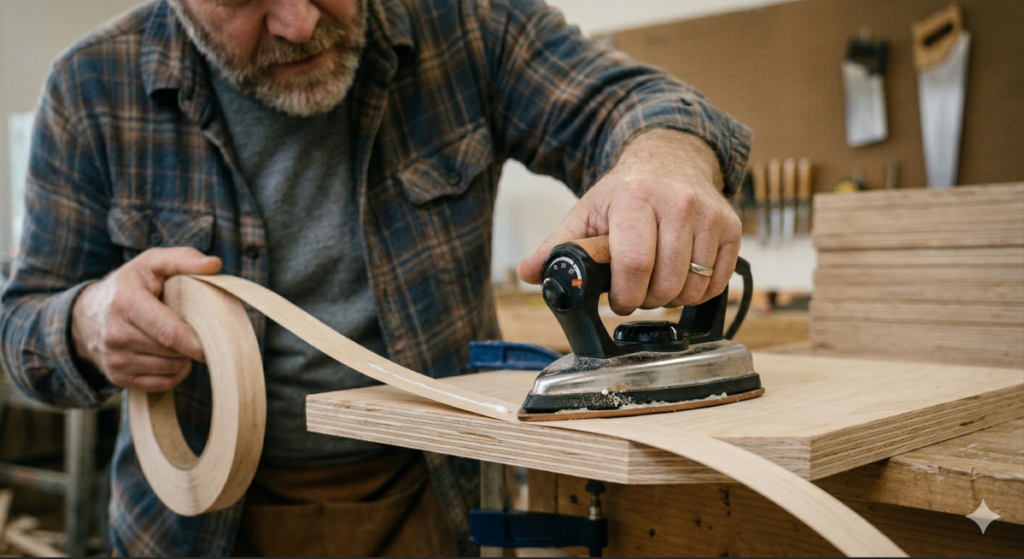
Our optimizer highlights the edges you need to band in bright red on your screen. Once you have your parts cut according to the AI-generated map, the next step is applying the edge banding so your plywood looks like solid wood.
To get a factory-grade finish, you don’t need a massive edge-banding machine. You just need a solid garage setup. Here are the tools we rely on for clean edges:
- A Solid Edge Banding Iron: Forget using your wife’s clothes iron. Get a dedicated edge banding iron with a non-stick coating.
- Quality Melamine Edge Banding: Pre-glued banding saves hours of messy glue-ups.
- A Sharp Edge Trimmer: A dual-edge trimmer will cleanly slice off the overhang in one swipe without digging into the veneer.
- Compact Router: For a truly professional touch, running a small flush-trim bit using a compact router gives the cleanest edge possible.
Final Thoughts
Stop relying on guesswork. By letting AI generate your dimensions and using our free cut list optimizer to map out the cuts, you can spend less time doing math and more time actually building.
Bookmark this page for your next garage project, and let us know in the comments how much plywood you managed to save!
Disclaimer: This article may contain affiliate links. If you purchase through them, we may earn a small commission at no extra cost to you. We only recommend tools we actually use in the shop.
“If you’re still in the planning phase and need some inspiration, don’t miss our previous guide on [how to use AI to design your next woodworking project].