How to Create an AI Avatar Course in 2026: Synthesia vs HeyGen for Educators
Disclosure: This post contains affiliate links. If you purchase through my links, I may earn a commission at no extra cost to you. I test these tools so you don’t have to.
If you are looking for the best AI video generator for online courses, you are in the right place. Filming video lessons the old way is expensive and exhausting. As an educator or corporate trainer, you need a camera, studio, and hours of editing… Worst of all, if you need to change one sentence in your lesson next year, you have to re-film the entire video.
This old way of creating content is dead. In 2026, the smart way to build a profitable education business is using an AI video generator for online courses.
Tools like Synthesia and HeyGen allow you to type text and generate a professional video with a realistic AI avatar presenter in minutes. No cameras. No microphones. Just pure content.
In this guide, I will show you how to build a high-ticket course without showing your face, using the best text to video for teaching technology available today.
Why use an AI video generator for online courses in 2026?
The education market is shifting. Students don’t care if you have a Hollywood studio; they care about clarity and speed. Using AI avatars gives you three massive advantages:
- Speed: You can create a 60-minute course in one afternoon instead of one month.
- Updates: When your curriculum changes, you just edit the text and click “Regenerate”. The video updates instantly.
- Consistency: Your AI teacher never gets tired, never stumbles, and speaks perfectly every time.
The “PPT to Video” Revolution: Update Your Curriculum in Minutes
This is the biggest pain point for teachers and corporate trainers: turning boring PowerPoint slides into engaging videos.
Previously, you had to record a voiceover over your slides, often stumbling and re-recording audio clips. Now, there is a better workflow. You need a specific ai tool to convert ppt to video with audio.
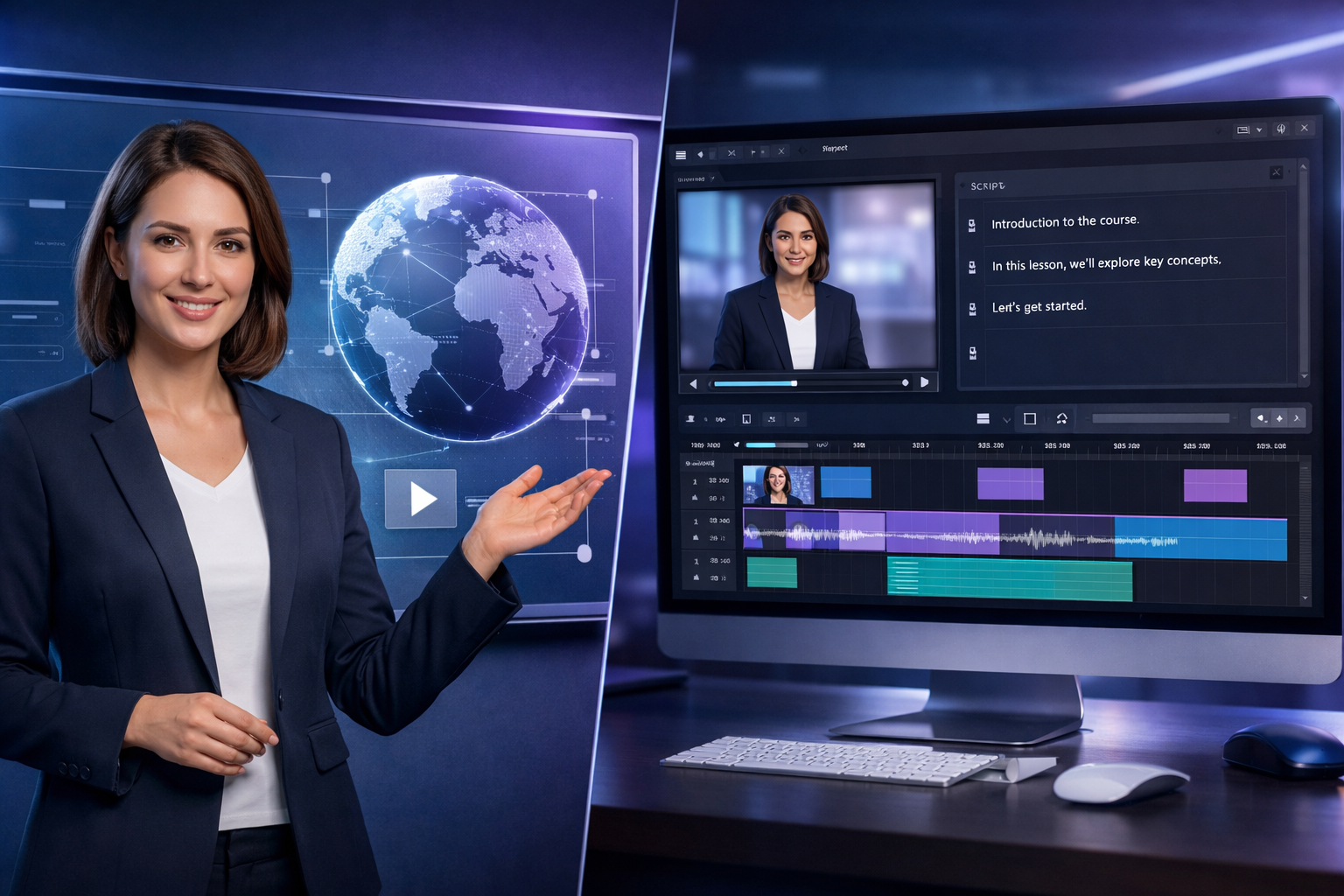
With modern tools like Synthesia, you can simply upload your .pptx file. The AI analyzes the text on your slides, assigns a script to an AI avatar, and creates a video where a professional presenter “teaches” your slides perfectly.
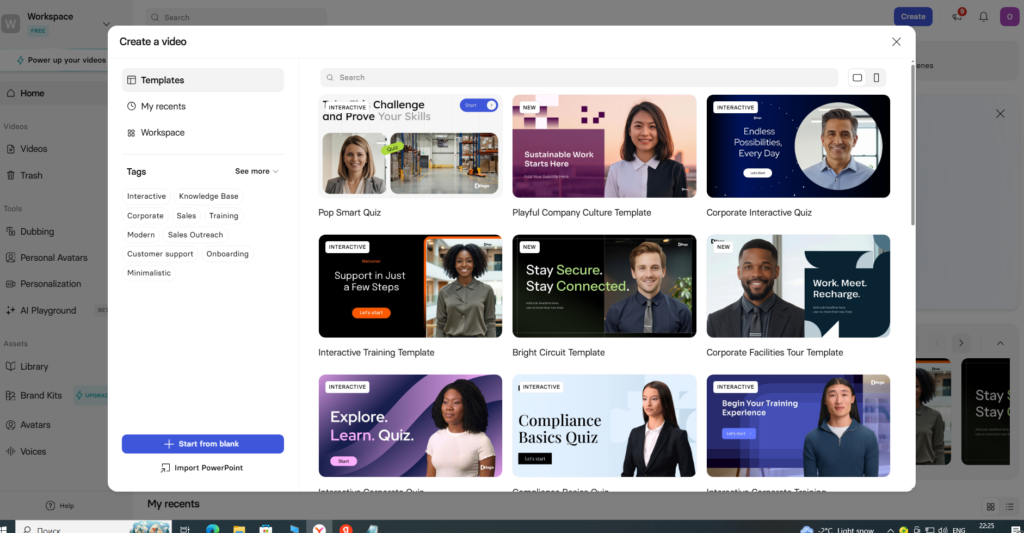
Top 3 AI Course Generators (2026 Review)
Not all AI tools are built for education. After testing dozens, here are the top 3 platforms specifically designed for course creators.
1. Synthesia — The Enterprise Standard
Synthesia is widely considered the industry leader for large businesses and professional courses. It offers over 160+ diverse AI avatars that look incredibly professional.
- Best feature: The ability to create a custom AI Avatar of yourself (a “Digital Twin”).
- For educators: Perfect for creating a standardized “Academy” feel.
- Pricing: Starting around $22/month.
“…this is a perfect AI video generator for online courses if you have a big team.”
2. HeyGen — Best for “Influencer Style” Courses
If you want your course to feel more modern, casual, or viral, HeyGen is the winner. Their technology handles lip-syncing slightly better than competitors, making the avatars feel more “alive.”
- Best feature: Instant translation of your course into other languages while keeping the lip movements synced.
- For creators: Ideal if you plan to use clips of your course for YouTube or social media ads.
“When choosing an AI video generator for online courses, realism is a key factor.”
3. Colossyan — Best for Scenario-Based Learning
Colossyan offers a unique feature that is a game-changer for soft-skills training: Scenario-based learning. You can have two AI avatars on the screen at the same time, talking to each other.
- Best Use Case: Simulating a conversation between a boss and an employee, or a salesperson and a client.
- For B2B: Perfect for HR training and sales coaching.
Synthesia vs HeyGen for Business: The Comparison
Choosing between the two giants can be tough. When looking at synthesia vs heygen for business, consider this simple breakdown:
| Feature | Synthesia | HeyGen |
| Best For | Corporate & Compliance | Creators & Personal Brands |
| Realism | 9/10 (Professional style) | 9.5/10 (Influencer style) |
| PPT Import | Excellent | Very Good |
| Learning Curve | Low | Low |
Verdict: If you are selling a B2B high-ticket course to companies, go with Synthesia. If you are a YouTuber selling a B2C course to followers, go with HeyGen.
Step-by-Step: How to Create an Online Course with AI
Here is the exact workflow I use to produce 5 lessons a day without a camera.
1. Write the Script (The Most Important Step)
The quality of your video depends entirely on your text. Don’t write a textbook; write a conversation. Keep sentences short.
“Struggling to write? Check out our review of the 5 Best AI Script Generators to automate your writing process.”
2. Select Your Avatar
Choose an avatar that matches your target audience. If you are teaching coding, choose someone casual with a hoodie. If you are teaching finance, choose someone in a suit.
3. Import Your Slides
Upload your PDF or PowerPoint. The AI tool will place them as the background.
4. Adjust the Pacing
Add pauses where necessary. You don’t want the robot to speak too fast. Most tools allow you to add a [0.5s pause] with one click.
5. Generate and Export
Hit “Generate”. In about 5-10 minutes, your full HD video lesson is ready to download.
This is the power of how to create online course with ai technology.
“Video source: YouTube”
To learn more about how artificial intelligence is changing the world, you can read more on Wikipedia.
FAQ
Will students trust an AI teacher?
Yes, but transparency is key. Don’t pretend it’s a real person. Tell your students: “We use AI technology to keep our curriculum 100% up to date for you.” Most students prefer updated AI content over 5-year-old human videos.
Is there a free AI video training generator?
Tools like HeyGen and Synthesia offer free trials to generate a short test video (usually 1 minute). However, for a professional course, you will need a paid plan to remove watermarks and unlock commercial rights. Think of it as replacing the cost of a camera, lights, and microphone.
Final Verdict
Stop waiting for the “perfect time” to film. The market rewards speed.
- For Corporate & Professional Use: [Link to Synthesia] is the safest and most robust choice.
- For Social Media & Creative Courses: [Link to HeyGen] offers the best visual experience.
- For Scenarios & HR: [Link to Colossyan] is unique and powerful.
Start building your course asset today.
“Starting your first lesson with an AI video generator for online courses is easier than you think.”
“For a comprehensive breakdown of industry-leading video generation platforms, check out our updated guide to the Best AI Video Tools.”