InVideo AI vs Fliki vs Pictory: Which Text-to-Video Generator Should You Choose in 2026?
Disclosure: This post contains affiliate links. If you make a purchase through these links, I may earn a commission at no extra cost to you. I only recommend tools I personally trust.
“In this InVideo AI vs Fliki vs Pictory comparison, we look at how video creation used to be the bottleneck. Scriptwriting, editing, voiceover, B-roll, captions… it was a whole production line.”
Now it’s 2026, and text-to-video AI has matured enough that a solo creator can publish consistently without hiring an editor. But here’s the real problem:
Most tools look similar until you actually try to ship real videos every week.“That’s why I tested the big three in this InVideo AI vs Fliki vs Pictory showdown —the way a working creator would: from prompt → draft → edits → export → publish.
This guide is built to help you choose the right tool based on your use case.
“If you are new to this, check my guide on starting a faceless channel”.
Let’s get into the comparison.
InVideo AI vs Fliki vs Pictory: Quick Comparison Table (2026)
If you are in a rush, here is the quick breakdown of the top 3 tools:
| Tool Name | Best For | Pricing (Approx.) | Free Trial? | My Rating |
| InVideo AI | YouTube Automation & Cinematic looks | ~$25/mo | Yes | 9.1/10 |
| Fliki | TikTok, Reels, Shorts & Speed | ~$8/mo | Yes | 8.6/10 |
| Pictory | Repurposing (Blog to Video) | ~$29/mo | Yes | 8.8/10 |
InVideo AI Review (The YouTube Automation Powerhouse)
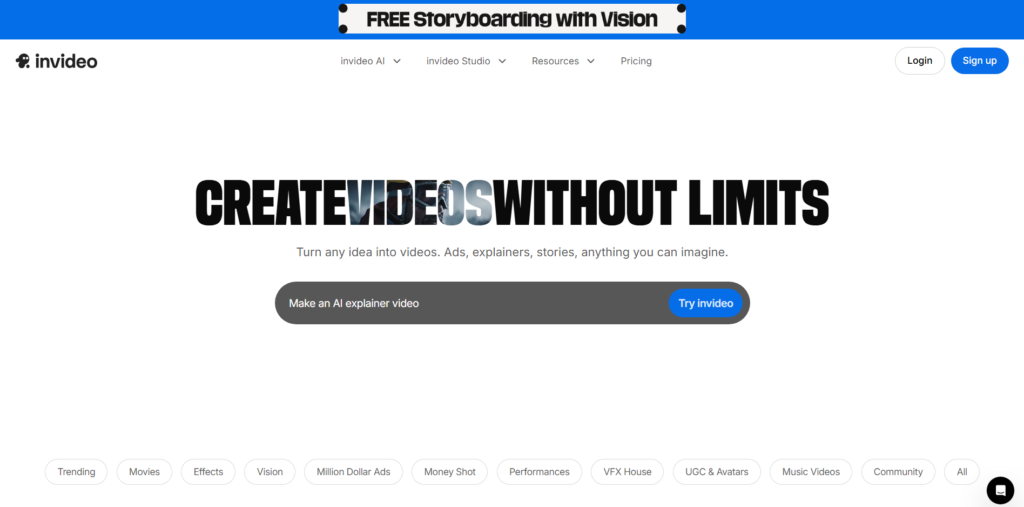
If your goal is YouTube Automation—especially long-form—InVideo AI is the closest thing to a “prompt-to-publish” pipeline.
What InVideo AI does best
When I fed it structured prompts, it consistently produced:
- A coherent scene flow (intro → points → outro).
- Strong pacing for explainer-style content.
- Visual selection that feels more cinematic than a simple slideshow.
It also has a major advantage: stock media depth. It integrates with Storyblocks, Shutterstock, and iStock. This matters because the difference between “AI video” and “watchable video” is often the quality of the B-roll.
Pros & Cons
Pros:
- ✅ Best prompt-to-video quality for long-form.
- ✅ Great stock ecosystem (Storyblocks/Shutterstock).
- ✅ Feels built for production: drafts fast, editing is practical.
Cons:
- ❌ If your scripts are weak, output looks generic.
- ❌ Takes more time to render than simple tools.
Fliki Review (The Social Media Speedster)
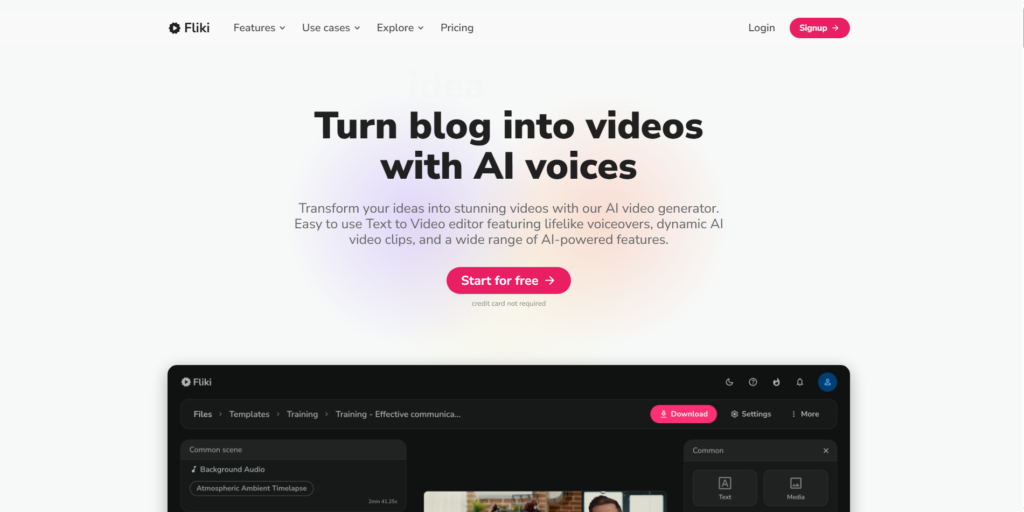
If you want an invideo ai alternative for social media, Fliki is usually the first tool I recommend—because it’s optimized for speed and voice-first creation.
Fliki is at its best when you’re producing:
- TikTok/Reels/Shorts.
- Quote videos, listicles.
- Daily posting schedules.
Why Fliki wins on speed
Fliki’s workflow is designed around fast iteration:
- Paste a script.
- Choose voice + pacing.
- Let it auto-build scenes.
- Export.
Pros & Cons
Pros:
- ✅ Fastest “script → vertical video” workflow.
- ✅ Great for Shorts volume.
- ✅ Low learning curve.
Cons:
- ❌ Visual choices can feel repetitive.
- ❌ Less cinematic than InVideo AI.
Pictory Review (The Content Repurposing King)
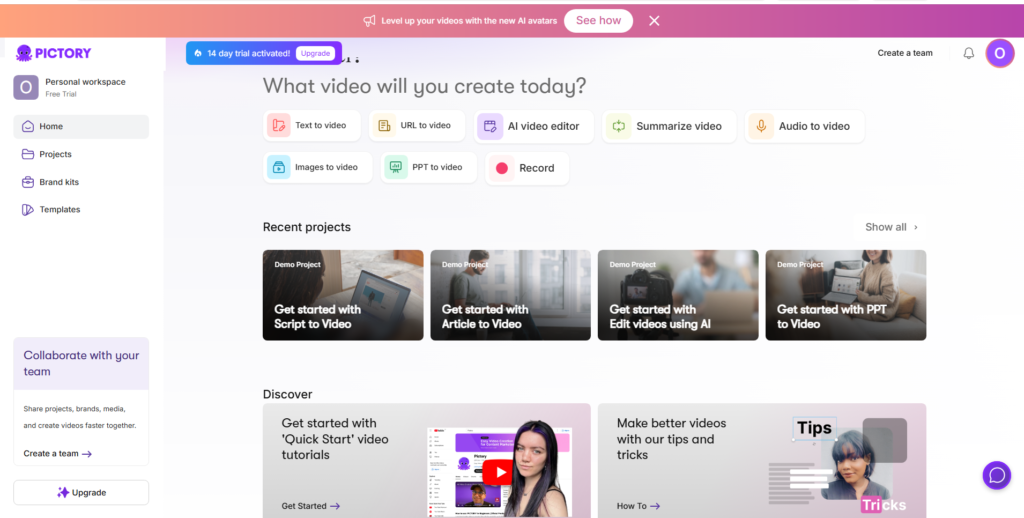
Pictory is the tool I reach for when the input is existing content like blog posts, Zoom recordings, or long scripts.
So let’s answer the question: Is Pictory worth it 2026?
Yes—if you repurpose content at scale. If you don’t, it might feel overpriced compared to simpler tools.
What it does best
- Blog to video: converts structure into scenes surprisingly well.
- Script to video: fast drafts for explainers and marketing.
- Long video to Shorts: Automatically finds highlights in your long videos.
“5 Best AI Tools to Turn Long Videos into Viral Shorts”.
Pros & Cons
Pros:
- ✅ Best for repurposing (turn existing assets into content).
- ✅ Strong for marketers and bloggers.
- ✅ Includes ElevenLabs voices (on higher plans).
Cons:
- ❌ Less “cinematic” storytelling than InVideo.
- ❌ Best features sit on higher pricing tiers.
Deep Dive: Best AI Video Generator for Faceless YouTube Channel 2026
Let’s target the exact question: which one is the best ai video generator for faceless youtube channel 2026?
Here is how I choose based on channel style:
- Long-form Documentaries (8–20 mins): InVideo AI wins. It builds a narrative flow better than anyone else.
- Shorts/TikTok (Under 60s): Fliki wins. Consistency beats perfection here, and Fliki is a speed factory.
- Educational/Blog Repurposing: Pictory wins. If your “engine” is SEO content, Pictory turns that into video distribution instantly.
“When choosing between InVideo AI vs Fliki vs Pictory, your decision depends entirely on your channel style.”
Feature Face-Off
AI Voices & Audio
- Pictory: Features ElevenLabs integration, making it sound ultra-realistic.
- Fliki: Excellent “Neural Voices” that are very fast to render. Great for social media.
- InVideo: Good voices, but its main strength is matching the visuals to the audio automatically.
Stock Media Library
- InVideo AI: The winner. Integrates Storyblocks, Shutterstock, and iStock.
- Pictory: Strong access to Getty Images and Storyblocks.
- Fliki: Good standard library, but less “premium” B-roll than InVideo.
Pricing & Value
Here is the money part:
- InVideo AI: Starts around $25/mo. High value if you publish long-form weekly.
- Fliki: Starts around $8/mo. Excellent value for beginners and Shorts creators.
- Pictory: Starts around $29/mo. Best value for businesses repurposing content.
Final Verdict: InVideo AI vs Fliki vs Pictory — Who Wins?
If you are still undecided, here is my final recommendation for 2026:
🏆 The Overall Winner: InVideo AI
For most YouTubers, InVideo AI offers the best balance of quality, stock footage, and ease of use. It feels like a real video editor powered by AI.
🚀 Best for Social Media: Fliki
If you just want to pump out engaging Reels and TikToks, Fliki is faster and cheaper.
♻️ Best for Bloggers: Pictory
If you have a blog and want to add video, Pictory is the only logical choice.
There is a lot of information in other articles about AI.
“For a comprehensive breakdown of industry-leading video generation platforms, check out our updated guide to the Best AI Video Tools.”