InVideo vs Fliki (2026): Which AI Video Generator is Better?
“Disclosure: This post contains affiliate links. If you make a purchase through these links, I may earn a commission at no extra cost to you. I only recommend tools I personally trust.”
Introduction
“Struggling with the InVideo vs Fliki choice for your channel?” You’re not alone.
On paper, both promise the same dream: “type words → get a finished video.” But in reality, they shine in completely different workflows.
InVideo AI leans toward idea-to-video + longer storytelling (doing the heavy creative lifting for you).
Fliki is built for fast, repeatable text-to-video with strong voiceovers—making it a beast for social clips and repurposing content.
So… is InVideo good, or is Fliki the smarter pick in this InVideo vs Fliki showdown for 2026? “This invideo vs fliki comparison will help you decide.”Let’s break it down like a buyer—not a fanboy.
2026 Editor’s Update: While InVideo remains a popular choice, our recent testing shows that Fliki AI has taken the lead in voice-over quality and ease of use. If you want to create high-quality videos from text in half the time, we highly recommend trying [Fliki for free here].
Quick Verdict: The Main Differences
If you are in a rush, here is the quick answer.
Comparison Table
| Feature | InVideo AI | Fliki |
| Best For | Storytelling, Long YouTube Docs | Shorts, Reels, TikToks |
| Workflow | Idea-to-Video (Director Mode) | Script-to-Video (Blog-to-Video) |
| Voiceovers | Good (Human-sounding) | Excellent (Huge variety) |
| Stock Library | 16M+ (iStock, Shutterstock) | Strong, but stock montage style |
| Pricing | Starts ~$20-25/mo | Starts ~$21-28/mo |
| Winner? | [Check InVideo Offer] | [Check Fliki Offer] |
My quick take (2026):
- If you want the best text to video AI for storytelling, InVideo AI usually wins—when you’re willing to prompt and refine.
- If you want the best text to video AI for YouTube Shorts with minimal friction, Fliki is hard to beat on speed and voice quality.
InVideo AI Review: Best for Storytelling?
This InVideo AI review section is about what matters to creators: can it actually produce “YouTube-ready” longer videos without you spending hours stitching scenes?
Where InVideo AI feels different
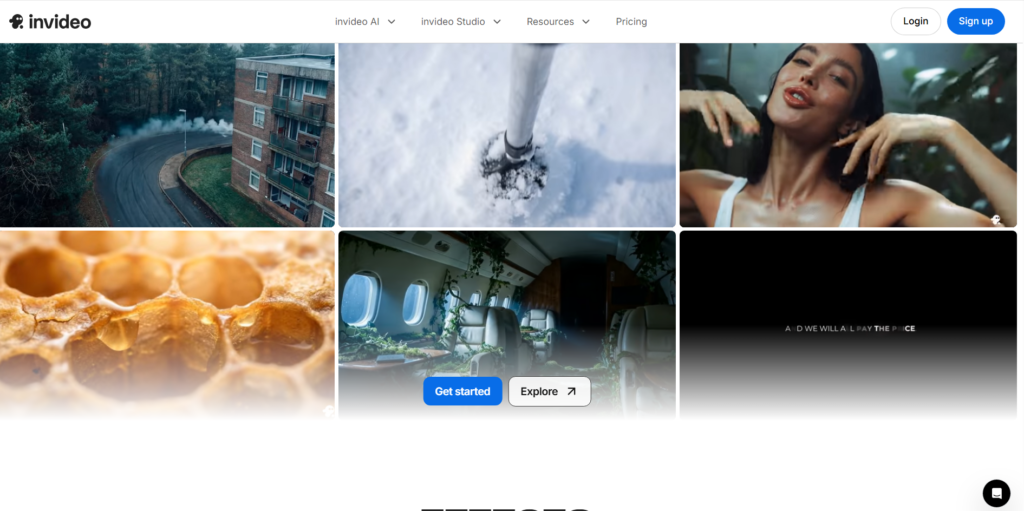
InVideo AI is designed to take a single prompt or idea and auto-build the entire structure: script, scenes, voiceover, captions, stock visuals, and music. Then, you simply “command edit” it (e.g., type “change the tone to funny” or “delete the second scene”).
That makes it very appealing for:
- Faceless “mini-documentary” channels.
- Storytelling explainers.
- Long-form content where you need a coherent arc.
Storytelling strengths
1. Big stock pool: InVideo highlights access to a 16M+ stock photos/videos library. This is crucial for longer videos where visual repetition kills viewer retention.
2. Edit-with-text workflow: You don’t fight with a timeline; you “direct” the editor using text commands.
3. Model integrations: InVideo AI uses advanced models (like Google’s Veo integration in some tiers) to generate high-quality assets.
Realistic expectation
InVideo AI can feel like magic when the prompt is clear… and frustrating when it isn’t. The best results come from giving scene-by-scene direction and specifying tone + pacing.
Bottom line: For creators chasing the best text to video AI for storytelling, InVideo AI is the better “director-style” tool.
Fliki Review: The King of Social Media?
This Fliki review is simple: Fliki is a voiceover-first, script-to-video machine—and that’s exactly why it’s popular for Shorts and batch content.
Why creators love Fliki for short-form
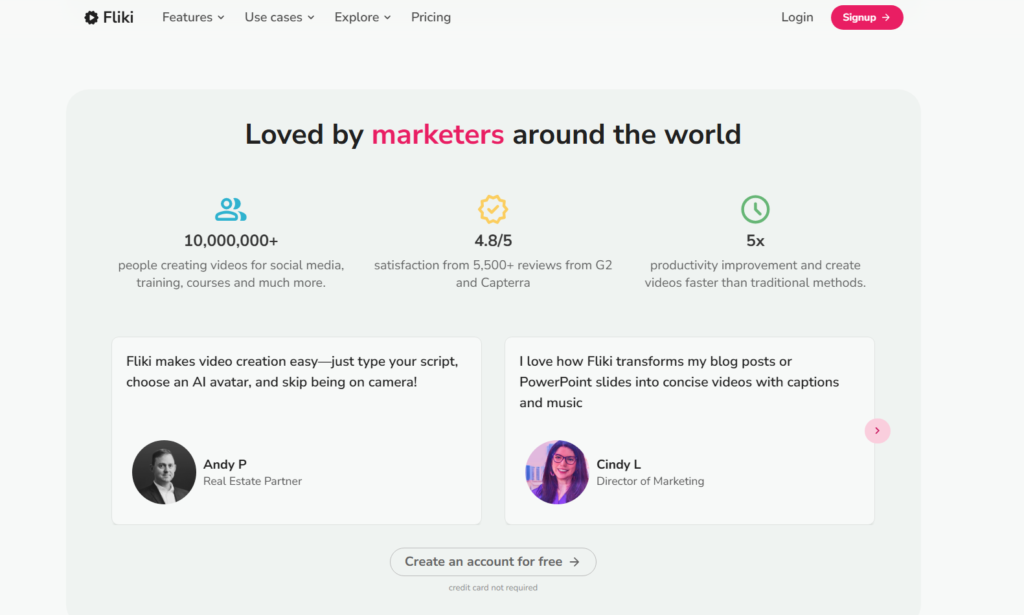
Fliki’s biggest strength is its specific workflow. It treats video creation like writing a document. You paste a script (or a blog post URL), and it instantly matches visuals to your words.
What stands out most:
- Voice variety at scale: Access to 1000+ voices in 80+ languages. The “Ultra Realistic” voices are some of the best in the industry.
- Clear length limits: It is optimized for social media clips.
- Built for batching: You can churn out content fast.
“Best text to video AI for YouTube Shorts” angle
If you’re running a faceless channel where speed matters more than cinematic uniqueness, Fliki nails the essentials: short scripted narration, consistent style, and fast loops.
That’s why I’d comfortably label it a top contender for best text to video AI for YouTube Shorts—especially for listicles, motivational clips, and educational bite-sized content.
Feature-by-Feature Battle
1. Video Quality & Stock Library
InVideo AI: Emphasizes a massive stock library and an “idea-to-video” workflow. It is great when you don’t have scenes planned out.
Fliki: Has a strong library too, but the visual feel is often more of a “polished slide-show” unless you manually customize it.
Winner: InVideo AI for long videos; Fliki for quick clips.
2. AI Voiceovers
Fliki is unusually explicit about voice breadth and cloning availability. While InVideo AI offers great human-sounding voices, Fliki tends to “win the reputation battle” here because the product is built around Text-to-Speech quality.
Winner: Fliki (Slight edge on variety).
“However, if you need realistic AI avatars speaking these lines (not just voiceovers), check my comparison of HeyGen vs Synthesia.”
3. Ease of Use
Fliki: Straightforward script-to-video. Very easy to understand for beginners.
InVideo AI: Easy to start, but the “best” output often requires better prompting skills and iterative edits.
Winner: Fliki is easier for beginners; InVideo is better for power users.
“InVideo vs Fliki Pricing: Which is Cheaper?”
Here’s the honest part: pricing isn’t just about the monthly fee. It’s about how fast you burn credits.
Fliki Pricing
* Free Plan: 5 minutes of credits/month (Watermarked).
- Standard (~$21/mo): 1080p, up to 15-minute videos, no watermark. Great for starters.
- Premium (~$66/mo): Longer videos, better AI features.
InVideo AI Pricing
* Free Plan: Limited minutes, watermarked exports.
- Plus (~$20-25/mo): Removes watermarks, gives you roughly 50 mins of AI generation.
- Max (~$48/mo): For heavy users.
“InVideo AI cheaper alternatives”
If you are looking for the absolute cheapest way to make videos:
- Fliki Standard is often the most predictable “cost-per-video” for Shorts.
- If you need a cheaper alternative to InVideo for long-form, you might have to sacrifice AI features and use a standard editor like CapCut.
What Are Users Saying? (Reddit & Trustpilot)
“InVideo vs Fliki Reddit” vibe
A common theme on Reddit is that creators compare them because they are both “faceless channel friendly.”
- Users tend to recommend Fliki when the OP asks about “bulk creating Shorts”.
- Users recommend InVideo when someone asks about “automating documentary channels”.
Trustpilot Snapshot
* Fliki: Generally high scores for ease of use and voice quality.
- InVideo: Strong reviews for customer support and features, though some users find the credit system for AI generation a bit confusing at first.
“InVideo vs Fliki Verdict: Which One Should You Buy?”
The battle of InVideo vs Fliki comes down to Length and Control.
✅ Choose InVideo AI if…
You want to create professional YouTube documentaries, longer explainers, or storytelling videos. If you want the AI to act as a “Director” that proposes scenes and structure, this is your tool.
✅ Choose Fliki if…
You want to mass-produce Reels, TikToks, or YouTube Shorts. If your content relies heavily on voiceovers and you need speed above all else, Fliki is the efficiency king. “Hope this InVideo vs Fliki review helped you!”
“Check out our other guides on [AI Video Generators].”
“Not sure if these are right for you? See my full list of the Best AI Video Tools in 2026 for more options.”