Translate Video AI (2026): 4 Best AI Video Translators for Lip-Sync, Dubbing & YouTube Growth
Disclosure: This post contains affiliate links. If you purchase through my links, I may earn a commission at no extra cost to you. I test these tools so you don’t have to.
Using a powerful Translate Video AI tool is the secret behind the “MrBeast effect”—the ability to take one video and achieve massive global reach across multiple languages. If you want to scale your content in 2026, you already know the golden rule: distribution beats production.
In early 2026, Translate Video AI technology isn’t just a novelty anymore; it is the standard workflow for creators and businesses that want more views, more sales, and more countries without reshooting a single scene.
The real question now isn’t “can AI dub a video?” — it’s: Which tool preserves emotion, timing, and speaker identity while keeping your workflow fast enough to publish consistently?
Below is a no-fluff comparison of four popular options: Rask.ai, ElevenLabs, HeyGen, and Vidnoz AI — with a practical tutorial and honest FAQ.
Quick Comparison Table (Rask.ai vs ElevenLabs vs HeyGen vs Vidnoz AI)
| Tool | Best For | Dubbing Quality | Free Plan | Starting Price |
| Rask.ai | YouTube localization + multi-speaker dubbing | High (strong timing + lip-sync) | Trial minutes (limited) | From ~$33/mo (annual) |
| ElevenLabs | Best-in-class voice + dubbing studio control | Very high (emotion + voice identity) | Free tier (limited) | $5/mo (Starter) |
| HeyGen | “Translate video with ai video generator” workflows | High (lip-sync + fast workflow) | Yes (limited videos/mo) | $29/mo |
| Vidnoz AI | Budget-friendly translation + “1-click” flow | Good (fast, creator-friendly) | Yes (limited) | As low as ~$14.99/mo |
Pricing note: Plans and limits change. The table reflects current public pricing pages as of early 2026.
1. Rask.ai Review (Best for YouTube Localization)
What it is
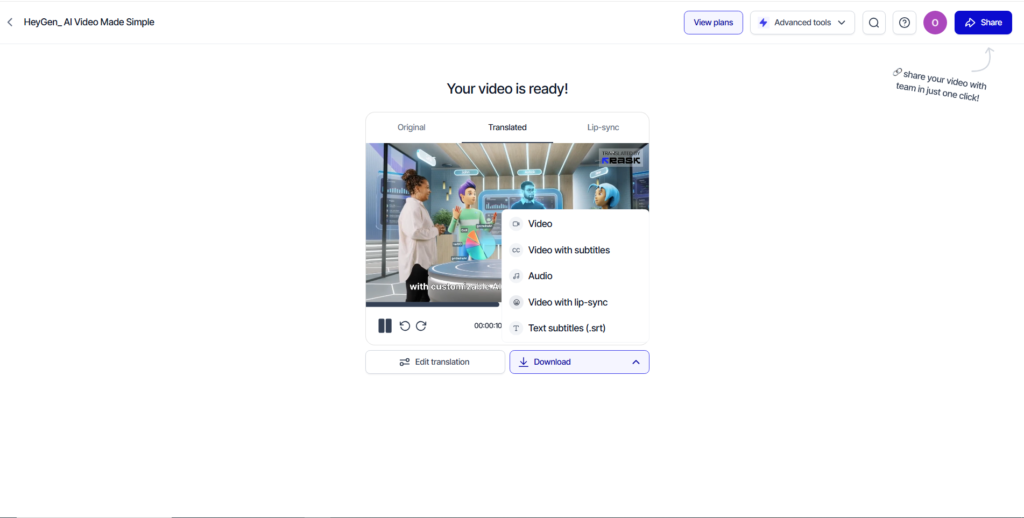
Rask.ai is a dedicated AI dubbing/localization platform built for creators and teams translating long-form content at scale. It’s designed around a “minutes” model where translation and lip-sync consume usage credits.
Key Features
- AI video translation optimized for multi-speaker content (handles multiple voices automatically).
- Lip-sync option (Note: clear usage rules apply, lip-sync usually adds additional minute cost).
- Editable transcripts/subtitles and an in-platform editor for cleanup.
- Plans that scale by included minutes (Creator → Creator Pro → Business).
Pros & Cons
Pros:
- ✅ Strong “YouTube localization” fit when you’re translating weekly.
- ✅ Clear minutes-based model (easier to calculate cost per upload).
- ✅ Good for teams: workflow controls in higher tiers.
Cons:
- ❌ Free access is trial-limited (not truly unlimited).
- ❌ Lip-sync costs extra usage (you must budget for it).
- ❌ For maximum polish, you still need to spend time in the editor.
Verdict:
Rask explicitly notes that lip-sync takes extra time/usage (1 extra minute to lip-sync 1 minute of translated video). It is the professional choice for scaling channels.
2. ElevenLabs Review (Best for Voice Quality)
What it is
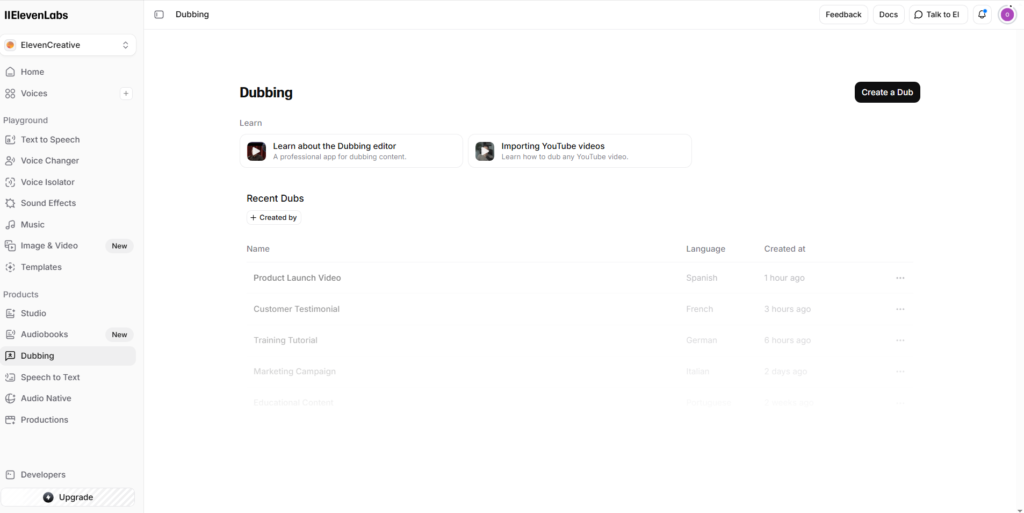
ElevenLabs started as a voice platform, but in 2026 it’s a serious dubbing solution. You can translate audio/video while preserving emotion, timing, and speaker characteristics through its dubbing products.
( “ElevenLabs vs Play.ht”, “Read our full ElevenLabs voice comparison”)
Key Features
- Dubbing Studio: A workflow for control, not just “one-click” output.
- Instant voice cloning: Available on paid tiers (critical for maintaining your brand voice).
- Commercial Rights: Included on Starter+ plans.
- Useful workflow: Perfect for “convert video audio to text free” strategies when paired with a transcript-first process.
Pros & Cons
Pros:
- ✅ Top-tier voice quality (best emotion preservation on the market).
- ✅ Good “voice-first” workflow if audio quality > visual lip-sync.
- ✅ Affordable starting price ($5/mo for Starter).
Cons:
- ❌ Lacks some “video suite” features (like adding subtitles visually directly on video).
- ❌ Best results usually require human supervision (fixing names, slang).
3. HeyGen Review (Best All-in-One Workflow)
What it is
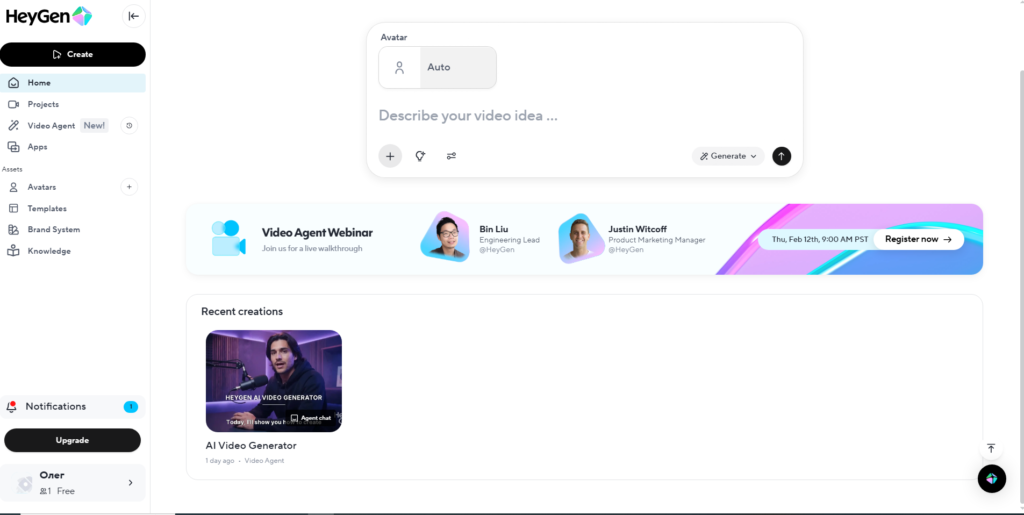
HeyGen is the best fit when you want to translate video with ai video generator features in the same place — especially if you already use avatars or talking head content.
Key Features
- AI Video Translator that generates lip-synced audio designed to match voice and emotion.
- Creator-focused plans (Free → Creator → Pro).
- Fast production pipeline: Upload → Translate → Publish.
- Practical for “translate video ai youtube” when republishing localized versions.
Pros & Cons
Pros:
- ✅ All-in-one: create + translate + export without switching tools.
- ✅ Lip-Sync included: The translator is built around visual matching.
- ✅ Free plan exists for testing.
Cons:
- ❌ Translation is a “premium” feature — costs can scale quickly for long videos.
- ❌ Less granular control over audio editing compared to ElevenLabs.
4. Vidnoz AI Review (Best Budget Alternative)
What it is
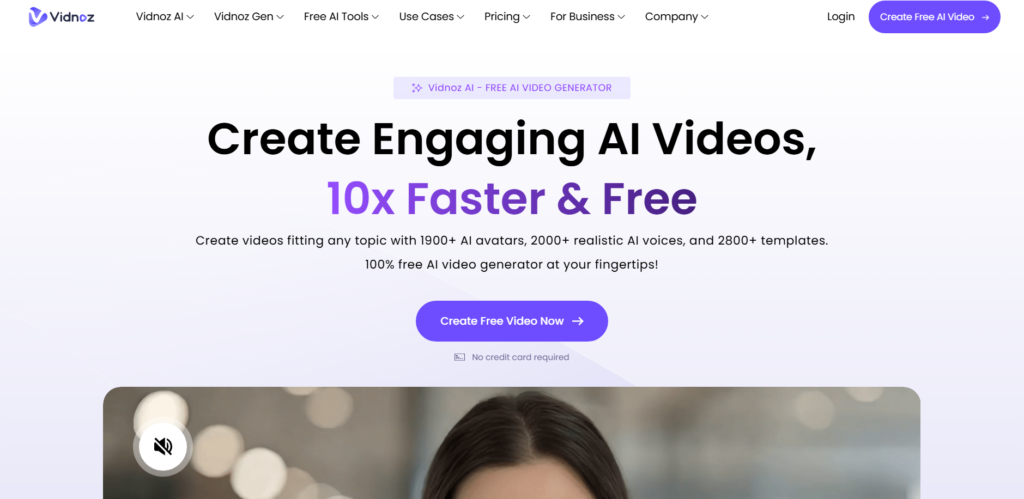
Vidnoz AI is a budget-friendly creator platform. It is positioned for speed: quick localization, quick exports, and minimal friction for beginners.
Key Features
- “AI video translator” marketing emphasizes fast steps and broad language support.
- Free plan available for testing functionality.
- Useful if you want to translate video English to Spanish AI quickly for social clips (TikTok/Shorts).
Pros & Cons
Pros:
- ✅ Low-friction for beginners (simple UI).
- ✅ Good “starter” option before committing a big budget.
- ✅ Low starting price (plans as low as ~$14.99/mo).
Cons:
- ❌ Quality is “good” but not the absolute best for nuanced emotion.
- ❌ Pricing pages can be confusing (dynamic values).
How to Translate Video English to Spanish AI (Step-by-Step Tutorial)
This is the generic workflow I recommend in 2026 to ensure quality (and avoid “robotic” mistakes).
- Prepare a Clean Source Video: Remove loud music under the dialogue. Clean input = better translation.
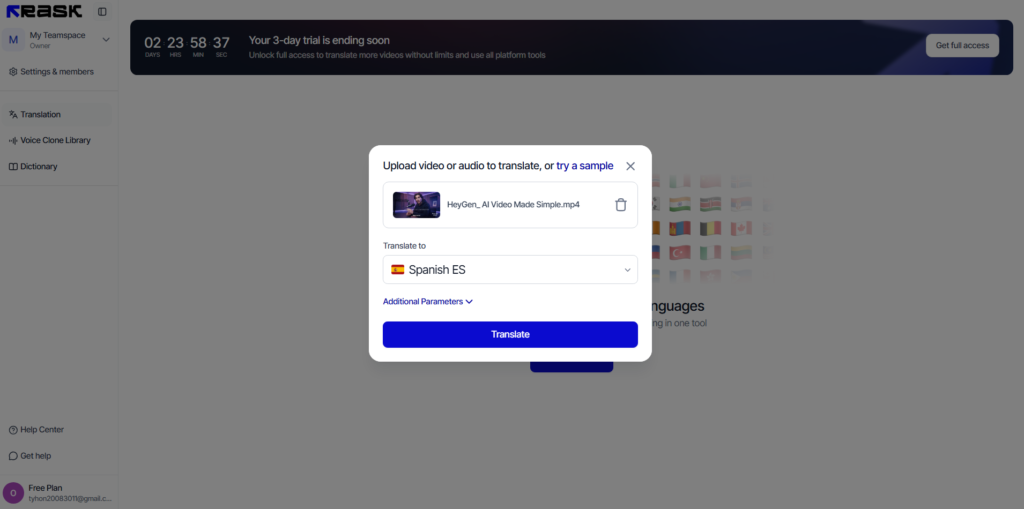
- Upload & Detect: This is the “translate video english to spanish ai” step. Let the tool auto-detect speakers.
- Generate the Transcript First (Crucial): Before dubbing, review the text. This is the secret to how to translate video audio accurately: fix brand names and slang here.
- Edit Mistranslations: Adjust the text so the joke or technical term makes sense in Spanish.
- Enable Lip-Sync: Use this for talking heads. For B-roll heavy content, you can often skip it to save credits.
- Export & Publish: Even with dubbing, always burn-in subtitles for retention.
Pro Tip: If you also need to convert video audio to text free for repurposing, export the transcript from Rask or ElevenLabs and reuse it for your blog posts.
The Real ROI of AI Translation in 2026
Before you choose a tool, remember that AI video translation isn’t just a cool tech gimmick—it’s a direct multiplier for your ad revenue and affiliate sales. If you are already putting hours into researching, scripting, and editing a video for a US audience, leaving the Spanish, German, or Portuguese markets untouched is simply leaving money on the table. My advice? Start with a budget-friendly option like Vidnoz or use the HeyGen free tier to dub one of your highest-performing past videos. Once you see the analytics spike from international viewers and your RPMs increase, upgrading to a powerhouse like Rask.ai or ElevenLabs becomes a purely mathematical decision.
FAQ
Can I translate video ai free online without watermarks?
Sometimes — but be careful. Most best ai video translator free online tools are trial-based. They will let you translate 1 minute but might add a watermark or restrict download. If you are serious about a YouTube strategy, you need a paid plan for watermark-free export.
How to translate YouTube video automatically?
You have two options:
- Subtitles only: Fast and cheap.
- Full Dubbing: Using Rask.ai or HeyGen to clone the voice and translate the audio.
In 2026, option #2 (Dubbing) is the winner for growth because audiences prefer listening in their native language.
Is AI dubbing better than human dubbing?
Operationally, yes. It is faster and 90% cheaper. However, for high-end TV commercials or very subtle comedy, human dubbing is still superior for capturing nuance.
My Bottom-Line Recommendation
- For serious YouTube Channels: Go with [Rask.ai ]. The localization features are built for you.
- For best Voice/Emotion: Choose ElevenLabs
- For simple All-in-One workflows: Use [HeyGen]